All issues with shortel / mitel phone system should be routed to Ed Marsh!
Section titled “All issues with shortel / mitel phone system should be routed to Ed Marsh!”1. Login to RCP-Shoretel

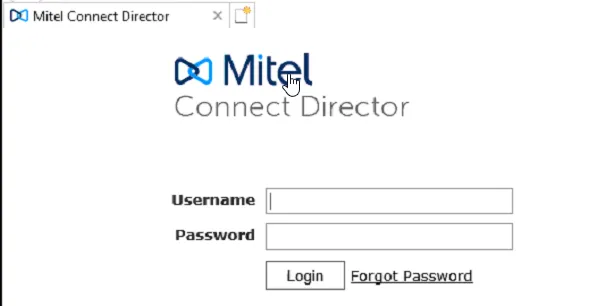
2. Lunch Mitel Connect Director located on the desktop

3. Login using the username and password found in Password State
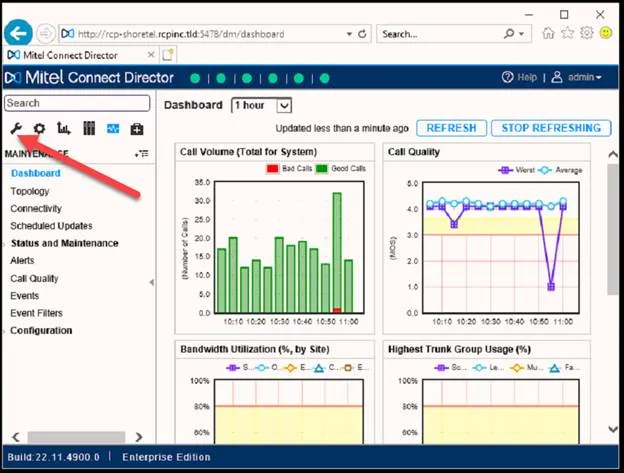
4. Once your Connect Director opens. Click on the Administration Icon
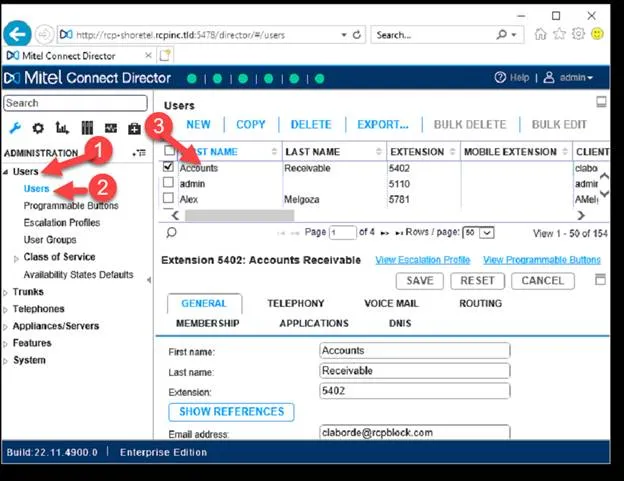
5. Then click on users, then click Users, then select the user your looking for
6. Scroll to Client Password, and reset the password.
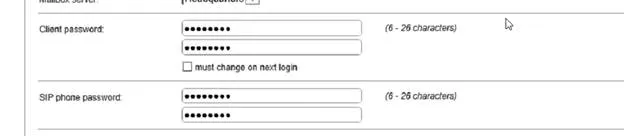
7. Then click save.
8. Have the user login using the new password.
9. If this does not work, and you’ve reached the end of trouble shooting. Please reach out to LanTel.