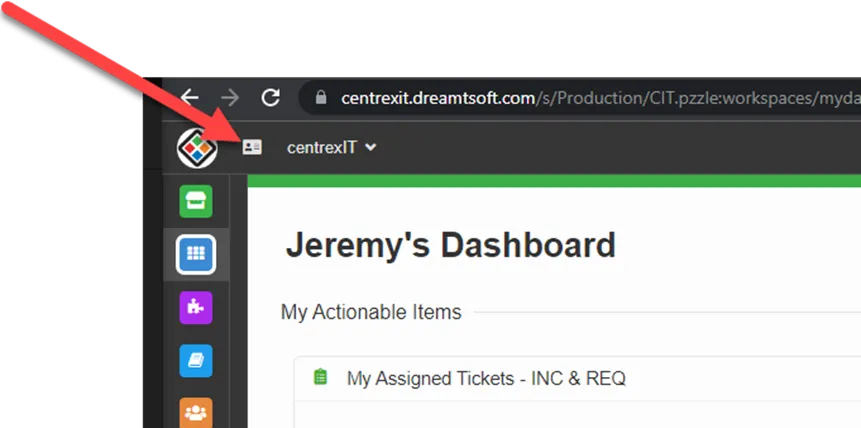
How to Access Client Circuits via Halo 1. On any screen in Halo, in the top left click the business card icon.
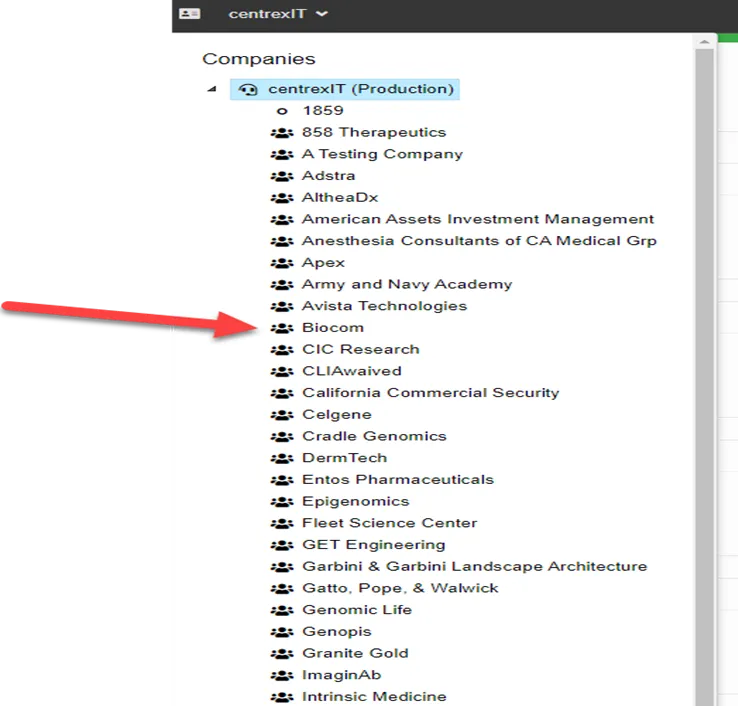
2. Click the client you would like to see circuit info for. In this example, we are looking at Biocom
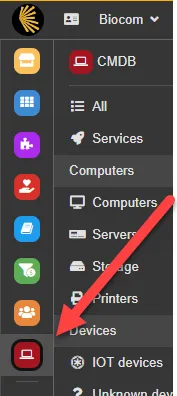
3. Click the red icon with the laptop. This is “CMDB”
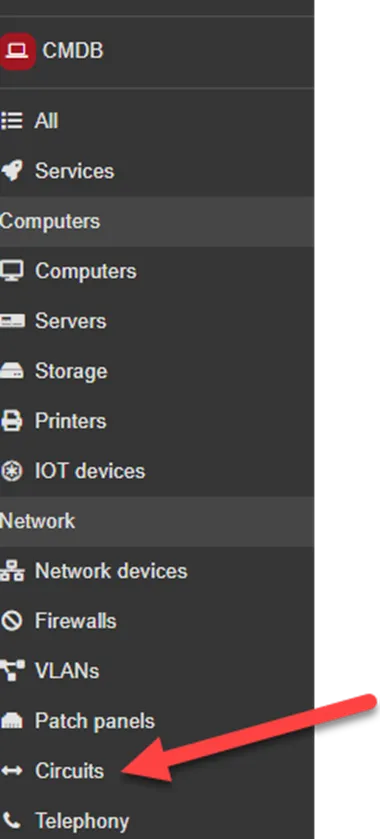
4. Select “Circuits”
5. Select location you would like to view
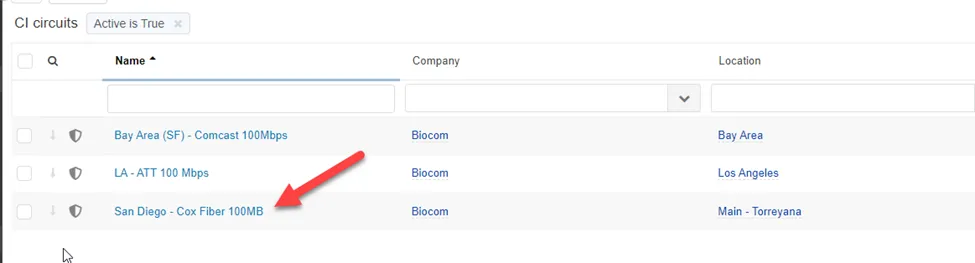
6. Review ISP info.
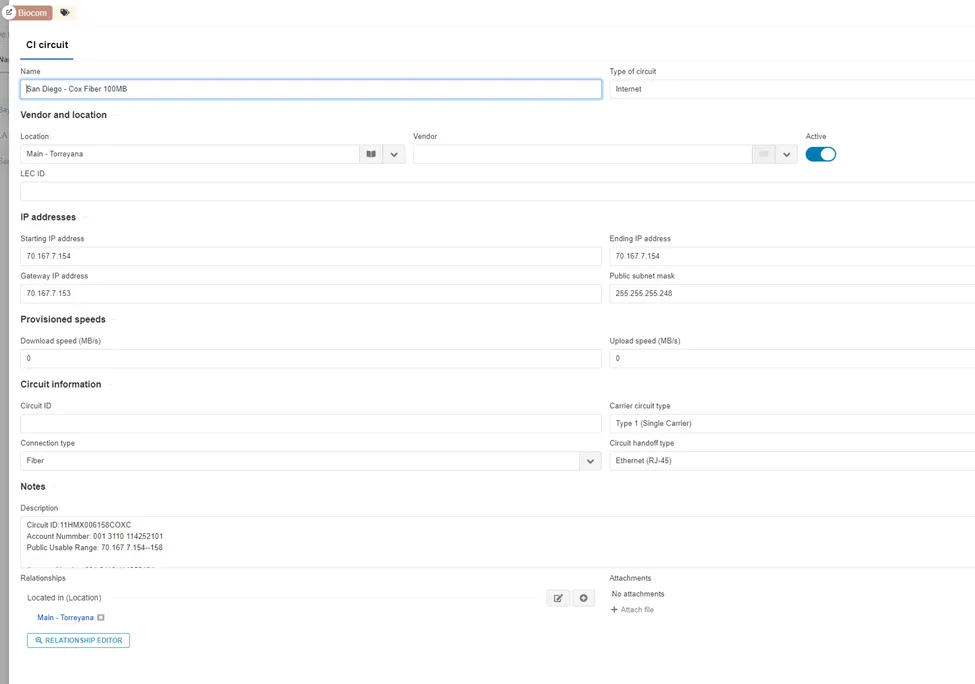
7. If Circuit info is not listed, or inaccurate. Inform a team lead, so a problem record can be created with the vITM.