Attachment provided as well
Finding an Employee using SDHS Internal Website
You can only Login to Fetch via onsite on location
Login to MGMT PC
- 3020-mini-1
Login with sdhs_ctac Creds – in PWState
Browse to fetch.sdhumane.org/
- Credentials should be cached
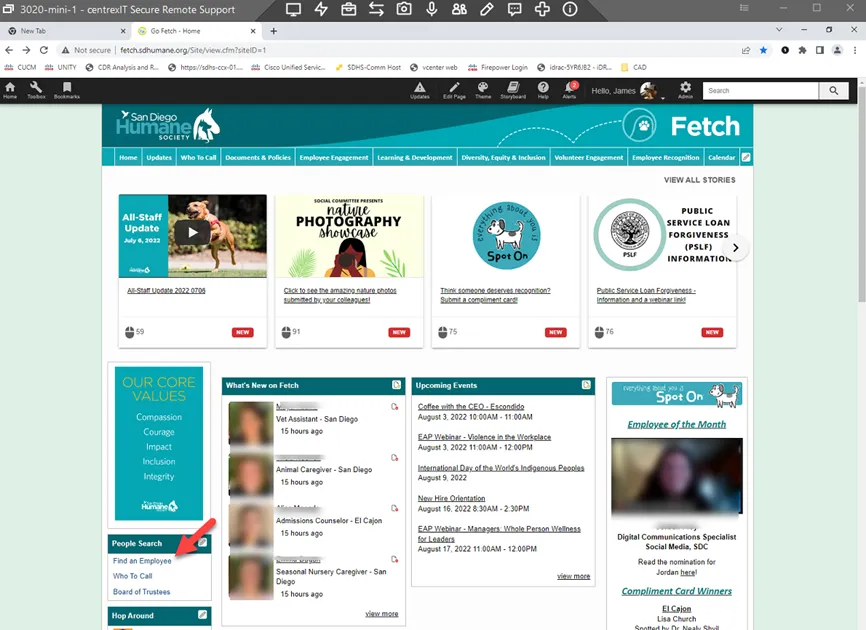
Select “Find an Employee**”** towards the middle left of Site
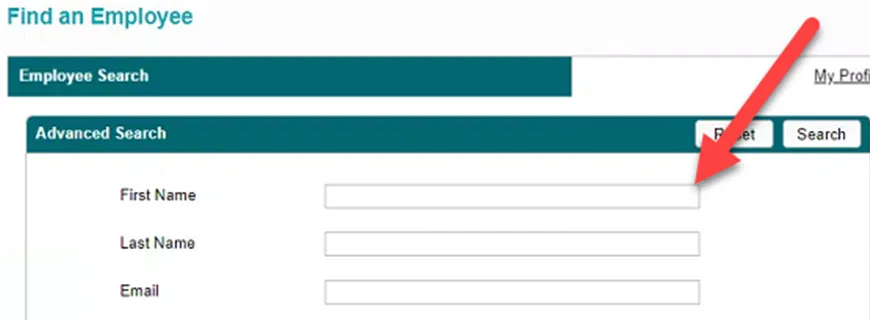
Type in FIRST NAME ONLY of user to find for best results
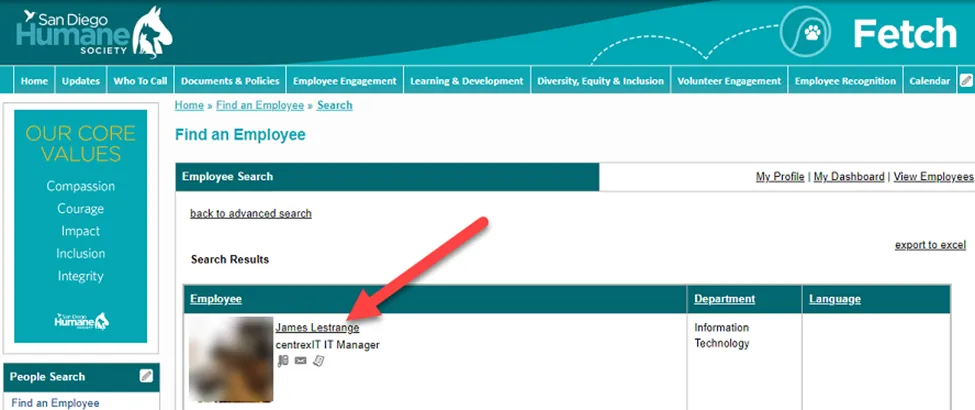
Results should appear.
- Select the User
The user’s extension should be Displayed under their Title and a cell number if they provided one.
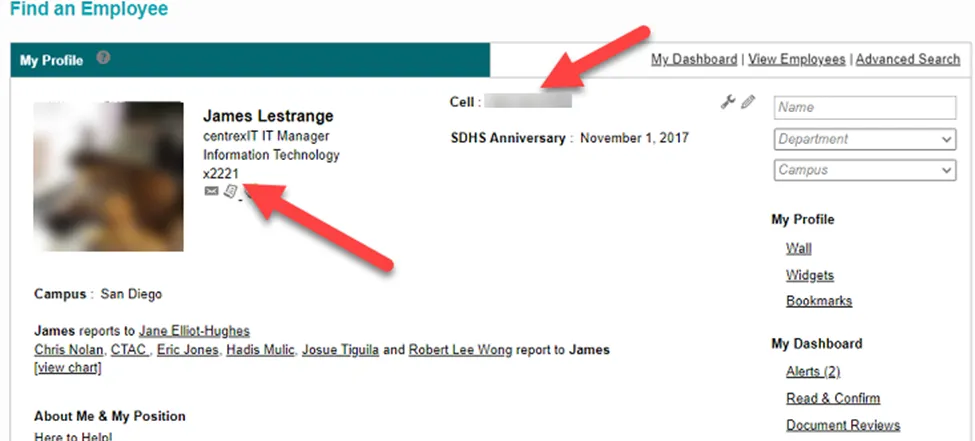
If no number is provided, or cannot get ahold of user, you can find who their supervisor is in the “Reports To” Section.
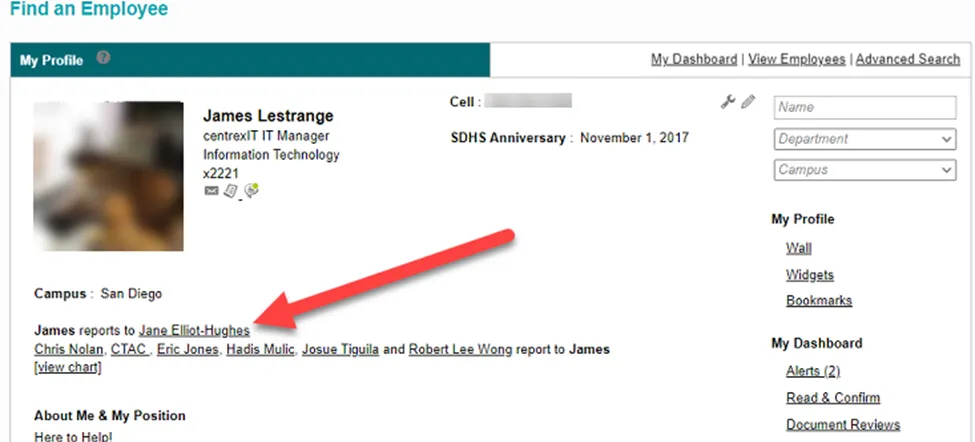
If you Click on View Chart, the list of users whom the user reports too and others that report to the specific user
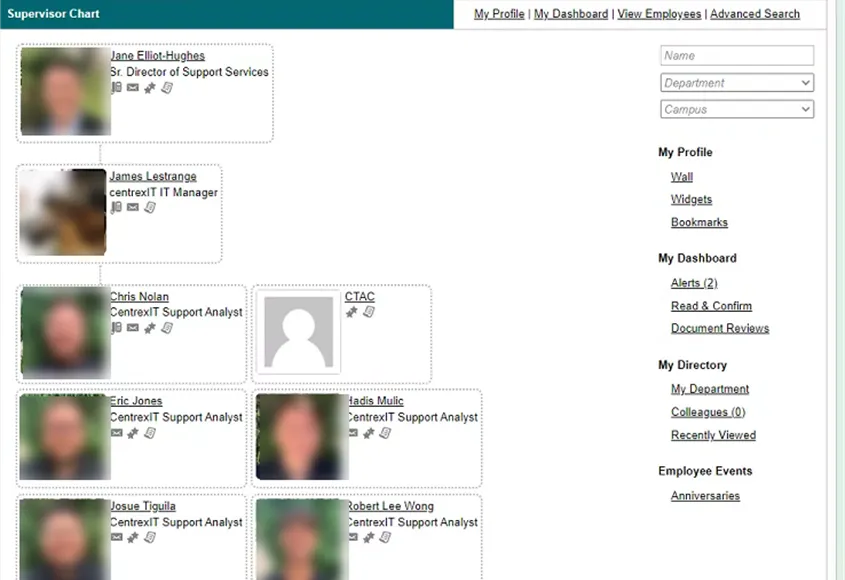
You may click on any user just as you would in the original search to access their profile