1. Click on the purple Halo icon on the left side of the screen.

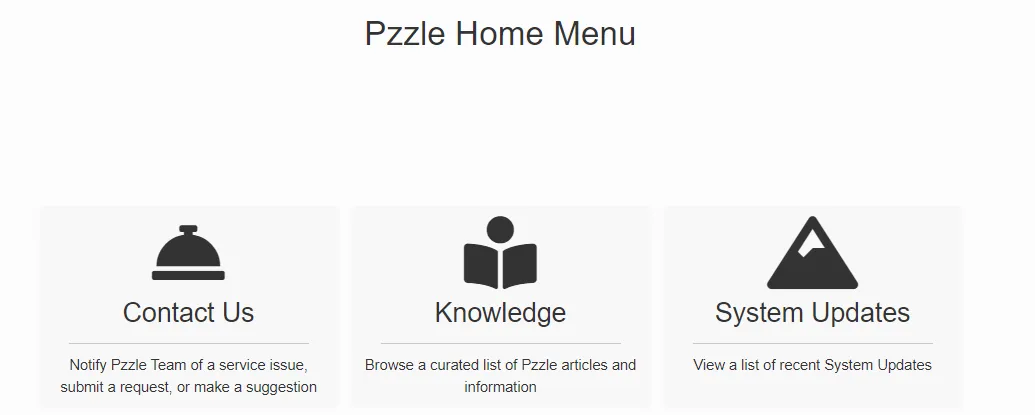
2. This will take you to the Halo Home Menu page. There will be three options there; click on the one that says “Contact Us”.
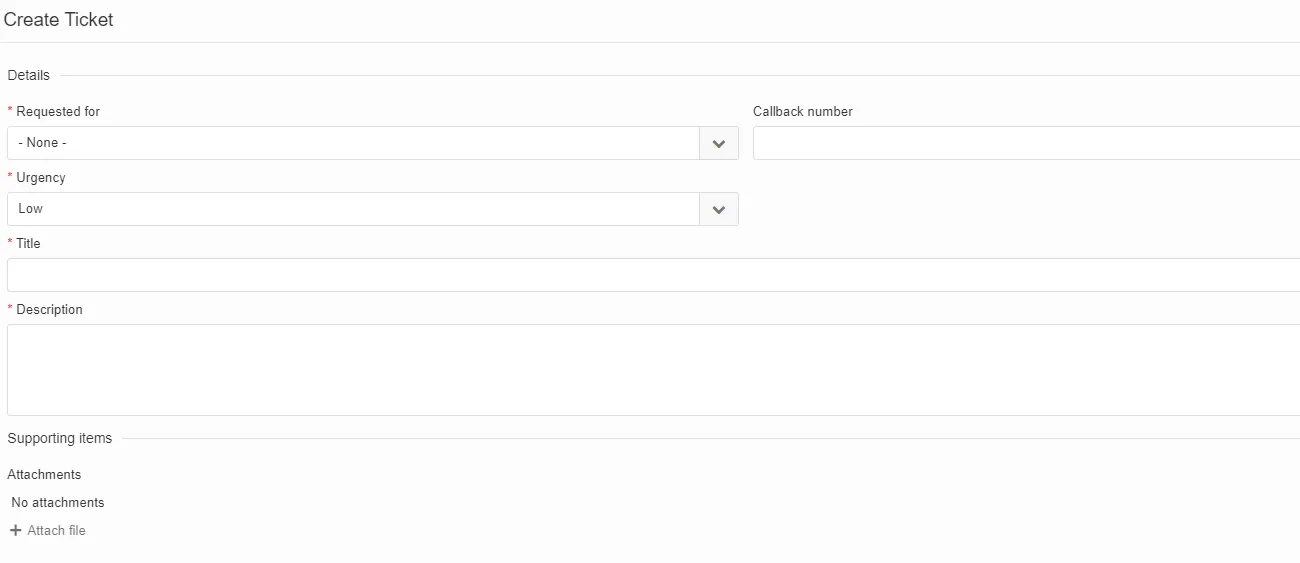
3. On the page that opens, fill out the ticket boxes with as much detail as possible (screenshots, URL, and in some cases a recording). Add any attachments as applicable. Once done, click OK. The ticket will then be sent to the Halo team to work on.