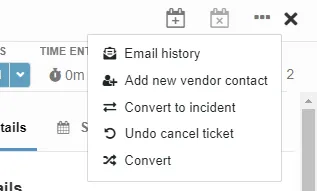
1. In order to change the record type for a ticket, click on the three dots found at the top right of the page. Click the option to Convert.
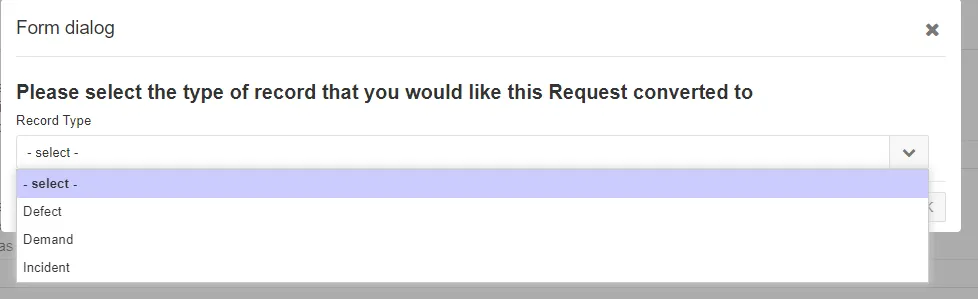
2. Select from the drop-down menu the record type to change the ticket to. The menu options will differ depending on what record type the ticket currently has.
A ticket with type Simple Request will have these menu options:
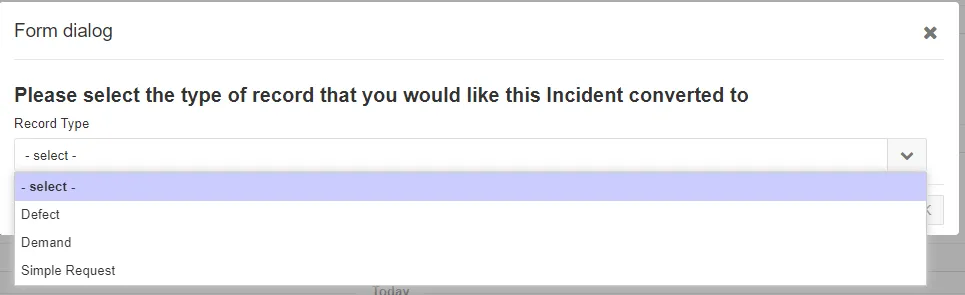
A ticket with type Incident will have these menu options:
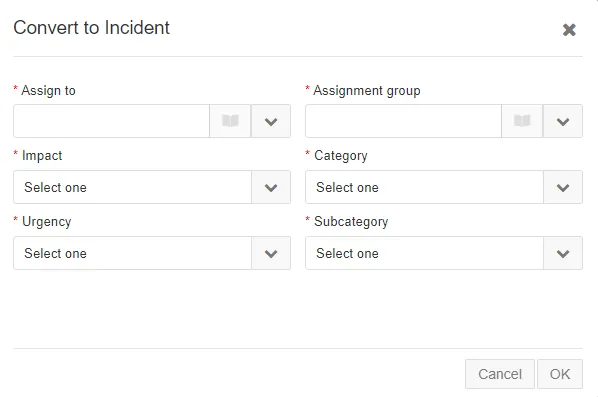
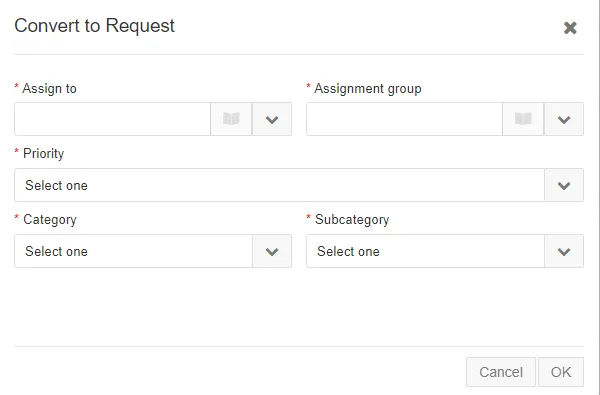
3. Select the option to change the ticket to. If changing to Incident or Simple Request, proceed to fill out the menu boxes as needed and then click OK.
Selecting the options for Defect or Demand will change the naming prefix to DEM or DEFECT respectively. With these type of tickets, assign the ticket to the Halo team and additionally to a specific tech if requested.