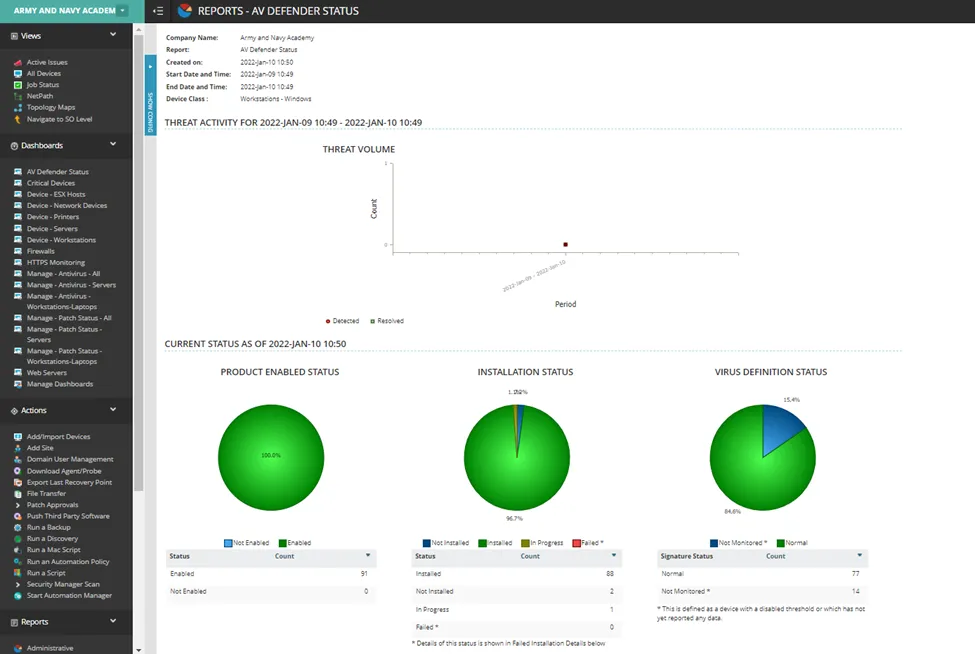
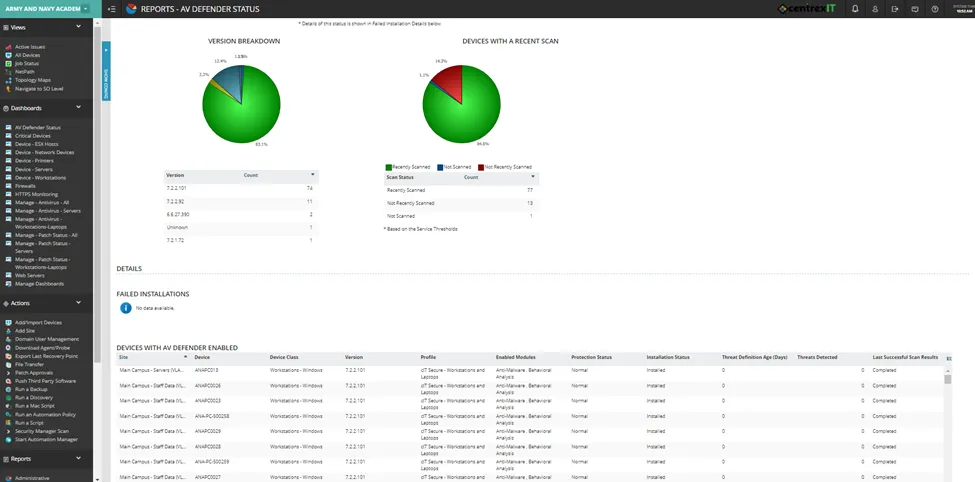
AV Defender utilizes the BitDefender AV engine and is integrated into nCentral. The platform uses profiles (a set of configurations that can be modified); end user devices automatically inherit these profile settings.
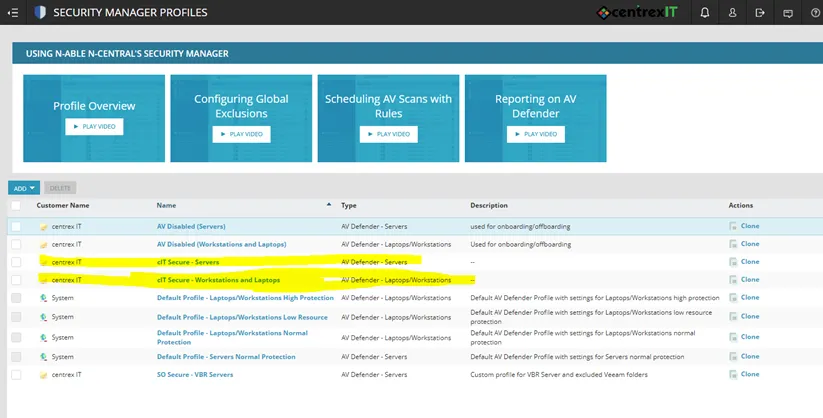
Centrex uses multiple AV Defender profiles. Each profile has a different configuration for its settings. These configurations include whether to enable or disable, what kind of device to install or run on, and so on. Please see below for the profiles currently in use; the highlighted profiles are the ones commonly added to most devices.
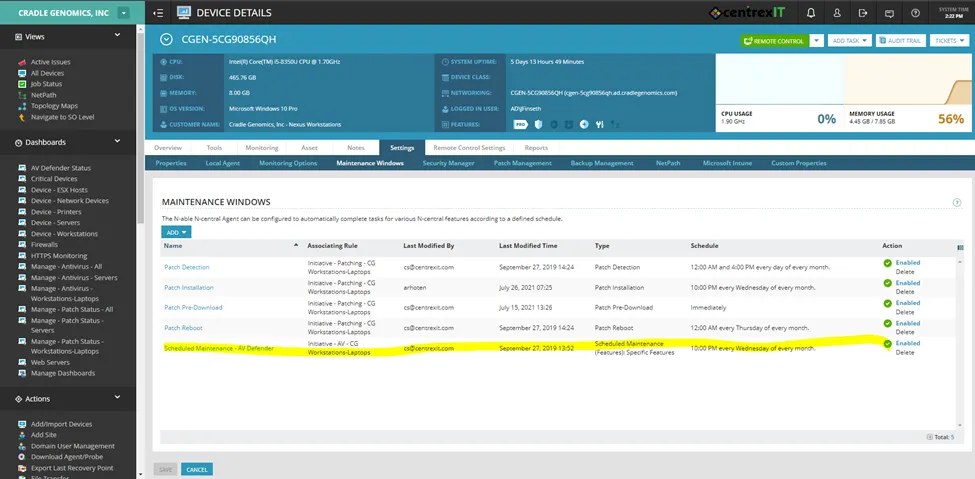
Scan scheduling varies, depending on the client. The device schedule can be viewed under Settings -> Maintenance Windows. If the client doesn’t have a scheduled window, the default is set for every day at midnight.
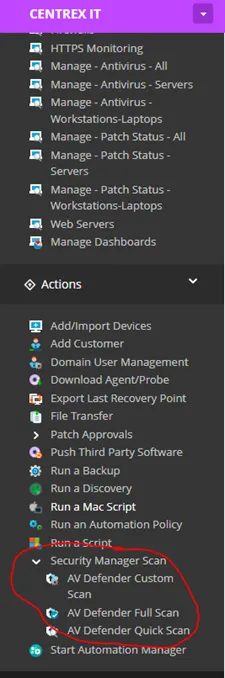
Manual scans are available via Actions -> Security Manager Scan.
nCentral has two types of AV Defender reports: AV Defender Threats and AV Defender Status.
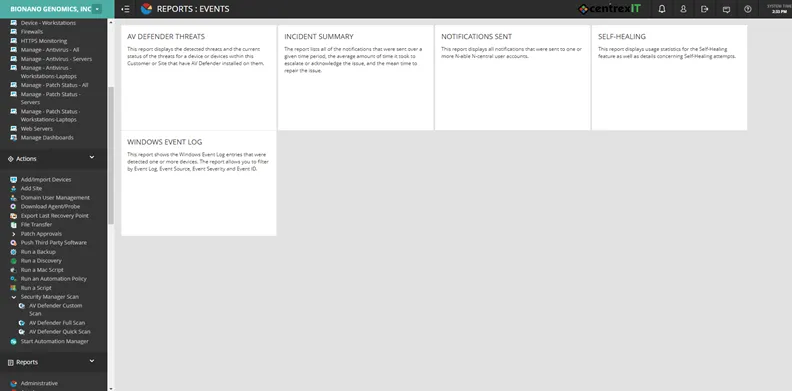
The AV Defender Threats reports can be accessed by going to Reports -> Events -> AV Defender Threats.
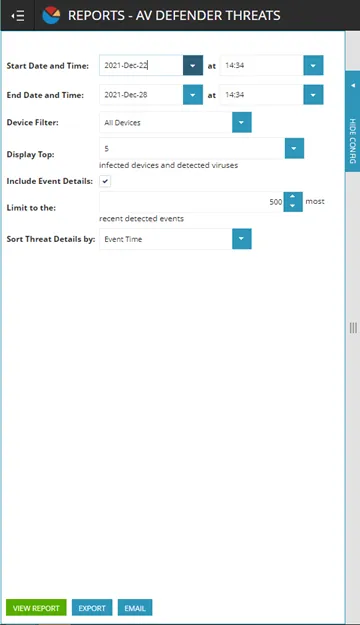
Set the parameters and then click on View Report.
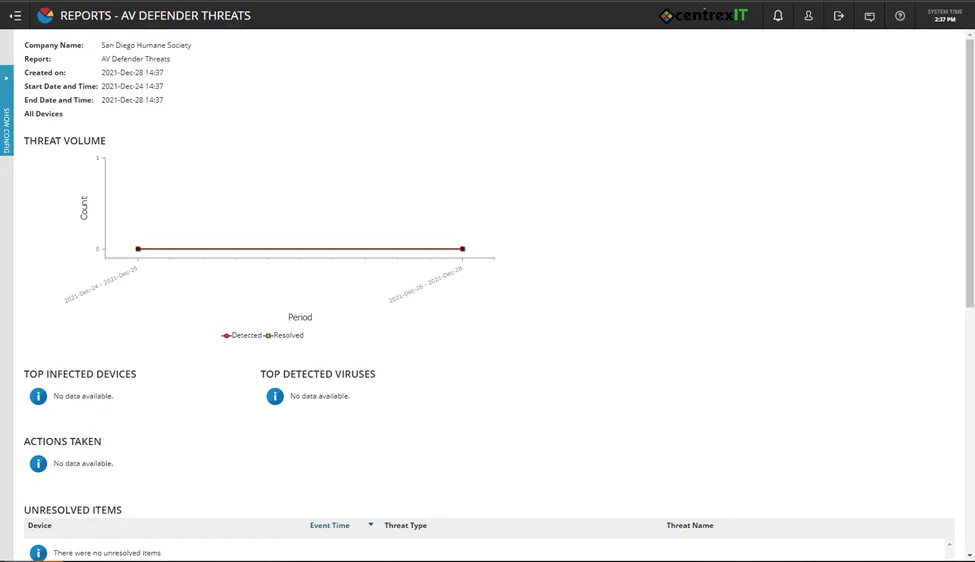
AV Defender will then generate a detailed summary of information about the device.
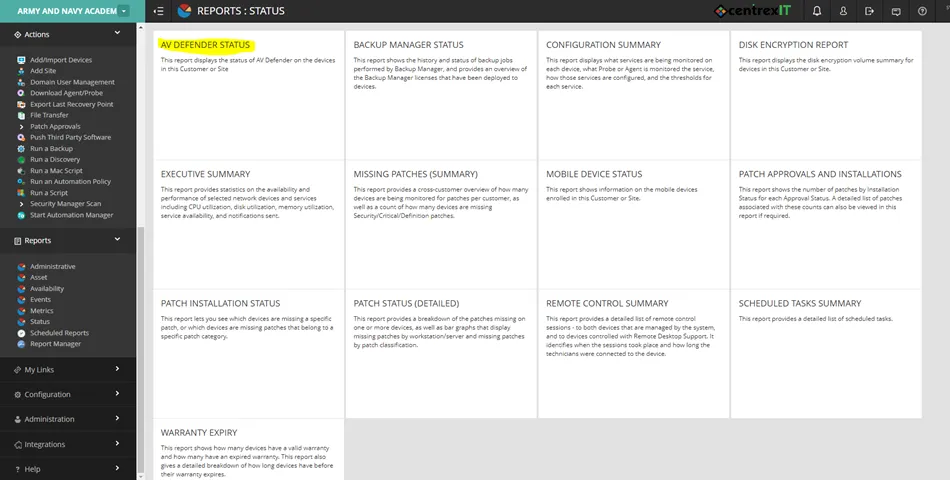
The AV Defender Status Report can be found by going to Reports -> Status -> AV Defender Status.
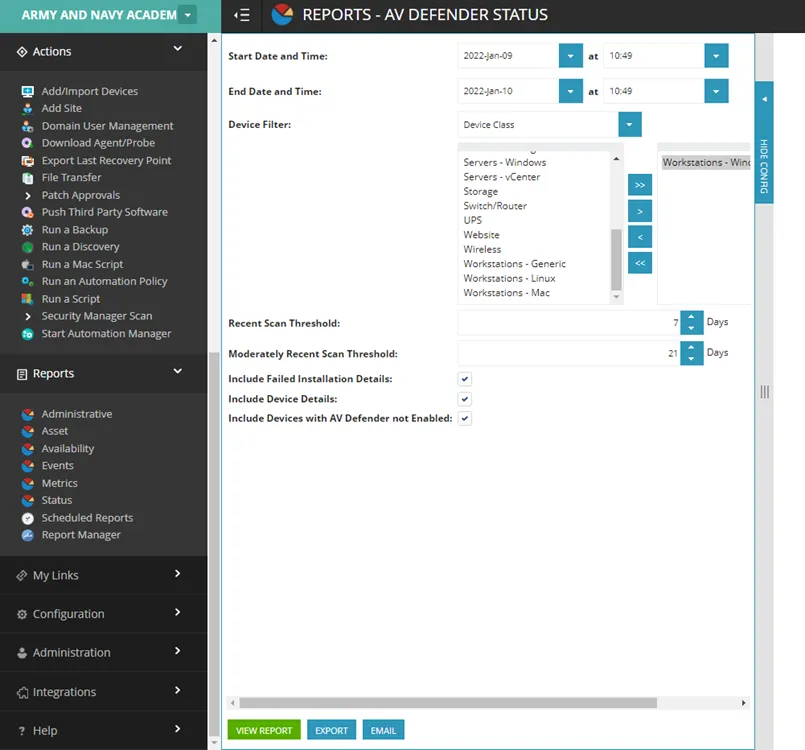
Set the parameters and then click View Report.
AV Defender will then generate a status report.