Before proceeding, please make sure that the user has the signature pad connected to their computer.
1. Run the SigPlus executable.
2. Click Next.
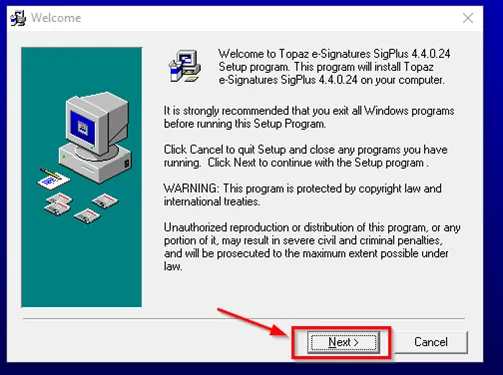
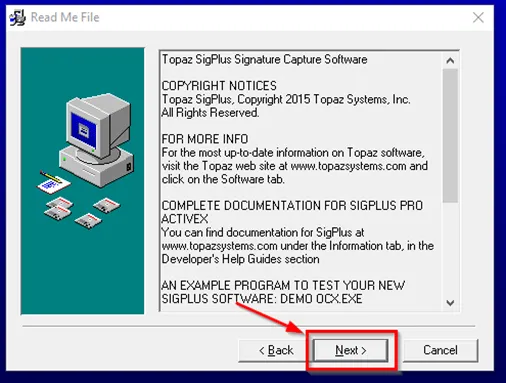
3. Click Next.
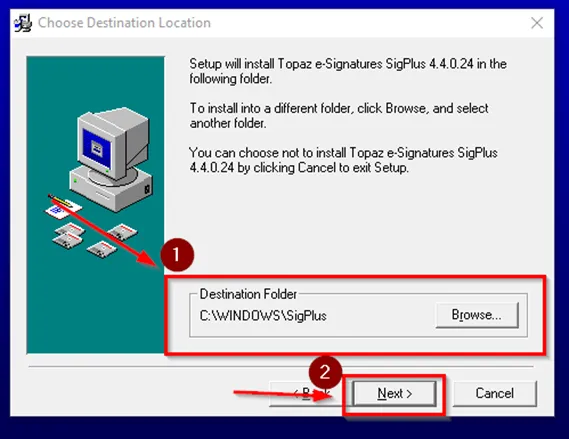
4. Leave the destination folder as the default (C:\Windows\SigPlus) and click Next.
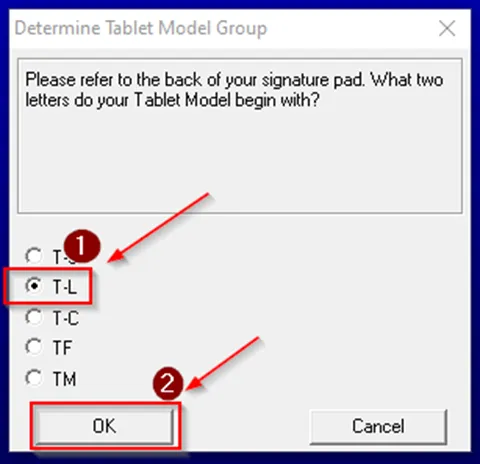
5. Click T-L and then click OK.
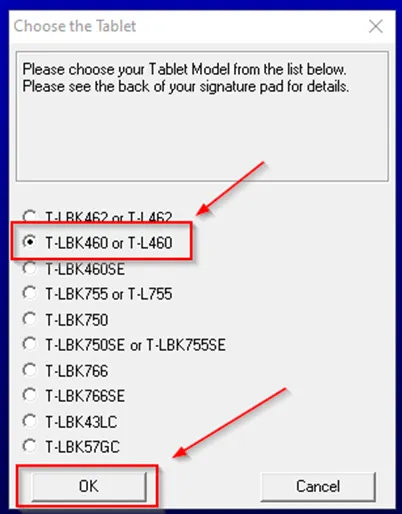
6. Click T-LB460 or T-L460 then click OK.
Note: T-L460 is the only model number that works with ChildPlus, so if the user happens to have a signature pad with another model number (found on the back of the pad), you will need to reach out to Sonia Hilstock at MAAC concerning how to proceed (shilstock@maacproject.org).
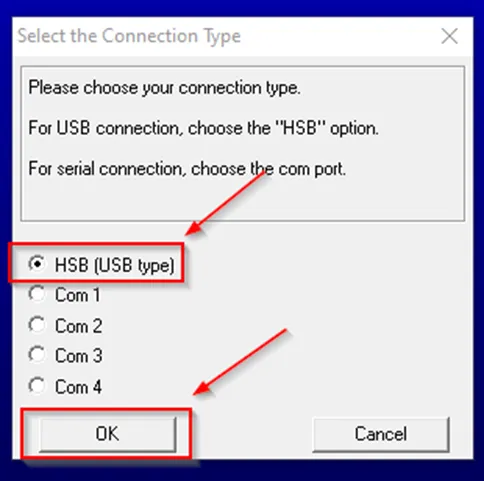
7. Click HSB (USB type) and then click OK.
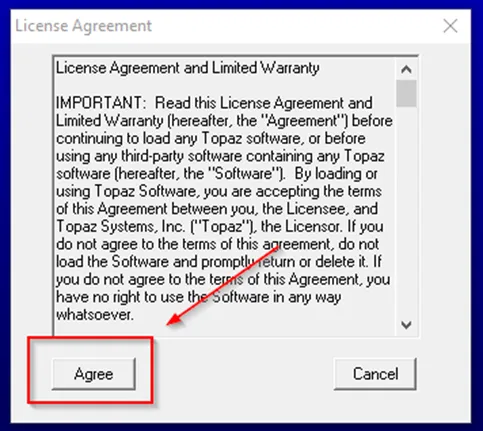
8. Click Agree on the next page, and then select Yes to adding a shortcut to the desktop. Please note that selecting the option to add a shortcut usually doesn’t work, which isn’t a problem as you can create the shortcut after the installation is done.
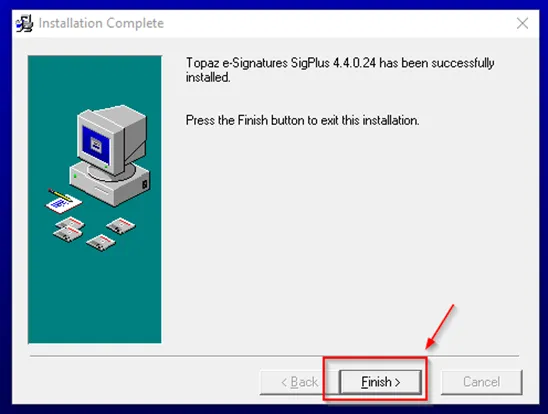
9. Click Finish.
10. To create the shortcut, go to C:\Windows\SigPlus. The program name is DemoOCX. You can create a desktop shortcut from here.
11. The last step is to make sure the user can do a test sign on the signature pad. Open up DemoOCX and select the option to start. Have the user do a test sign, and once it shows up in the box in DemoOCX, select the option to stop. If the signing doesn’t show up in the program, have the user try again. If that still doesn’t work, have them unplug and plug the pad back into the computer. If that doesn’t work after reseating the pad in both the same USB port and a different one, reinstall the program.
If the user is able to sign in the DemoOCX program, they should be able to sign in ChildPlus as well. The option to sign is found in the child’s record, where there’s a box labeled as the signature box; the user will click there to get the signature box to pop up. If the user is able to sign in the DemoOCX program but not in ChildPlus, please advise them to reach out to Sonia Hilstock for assistance.