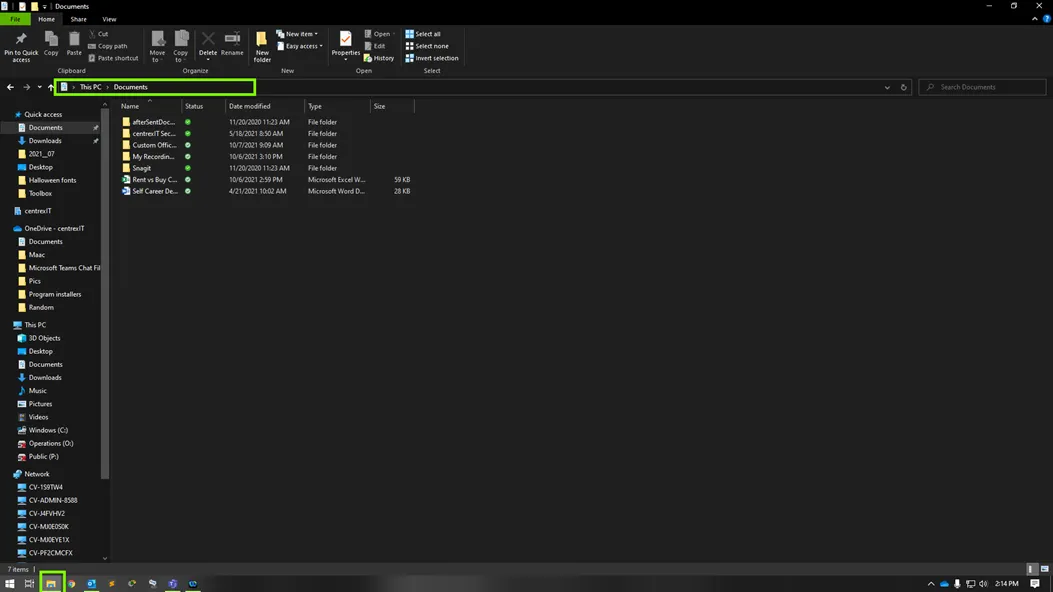
1. Open File Explorer and click the address bar at the top. In that box, paste \\maac-ps1\cv_1391_sharp and press enter.
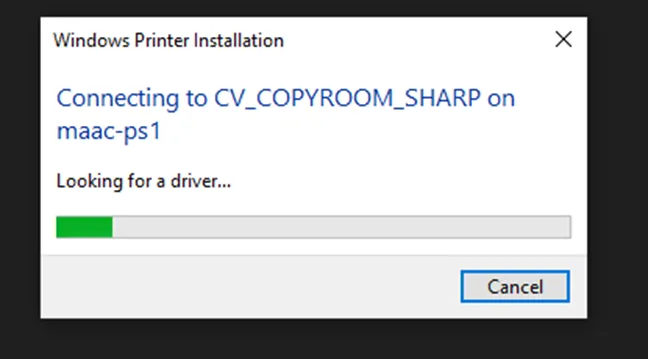
2. A window like this will pop up to show it’s installing:
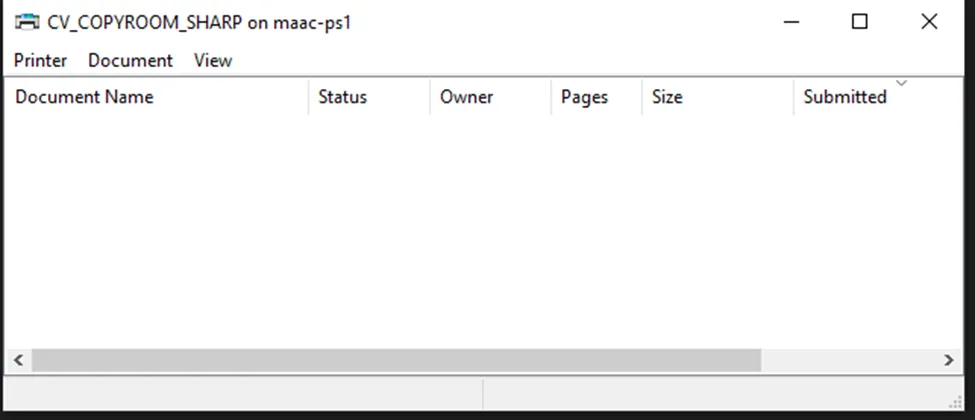
3. If it installed correctly, this window will pop up and you are done (feel free to close it):
4. If you are asked for credentials or have any issues, please call us at 619-651-8787 to assist.