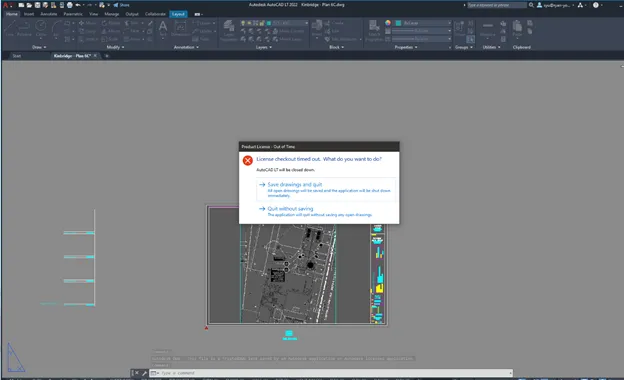
If Autodesk gives a “License checkout timed out” error, follow the steps below:
1. Check Services and ensure that “Autodesk Desktop Licensing Service” is running.
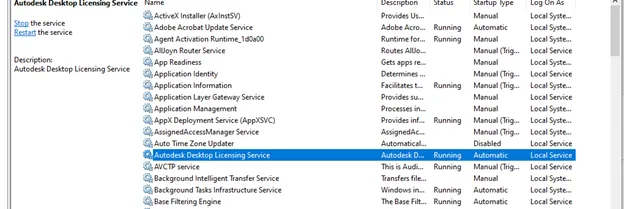
2. Right-click the service and go to the Logon tab. Ensure that the logon account is the Local System account.
3. If the service isn’t there, install from https://knowledge.autodesk.com/search-result/caas/downloads/content/autodesk-licensing-service-download.html
4. If it doesn’t install, there may be a corrupted service installed.
Browse to: C:\Program Files (x86)\Common Files\Autodesk Shared\AdskLicensing and run uninstall.exe.
5. Uninstall and then delete the Autodesk Shared folder. After this, try to install again.