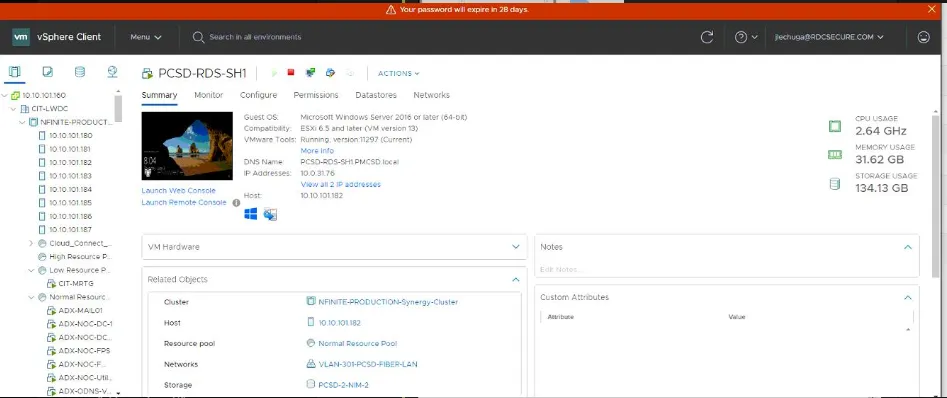
How to log into VCenter
Section titled “How to log into VCenter”This is an article to outline how to log onto CIT’s VCenter environment.
- You will need to reach out to a Service Desk Lead or a Tier III to assist with login to VCenter as access is restricted to only these SD Staff.
- You have to be on the CIT network (eg. LWC-Utility02 - CIT MGMT), not on the VPN. Use Domain Creds to login
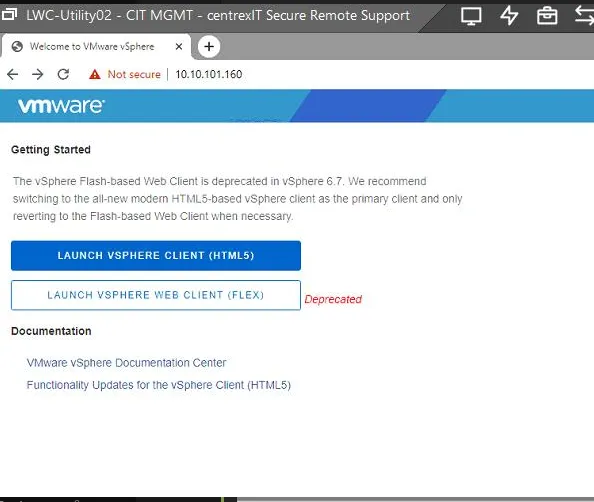
- Browse to https://10.10.101.160
- You have to select Launch VSphere Client (HTML5)
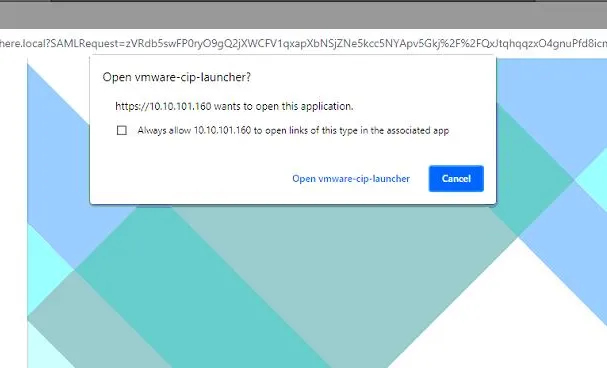
- Then select “Open vmware-cip-launcher”.
- Then Check the box “Use Windows Session Authentication”.
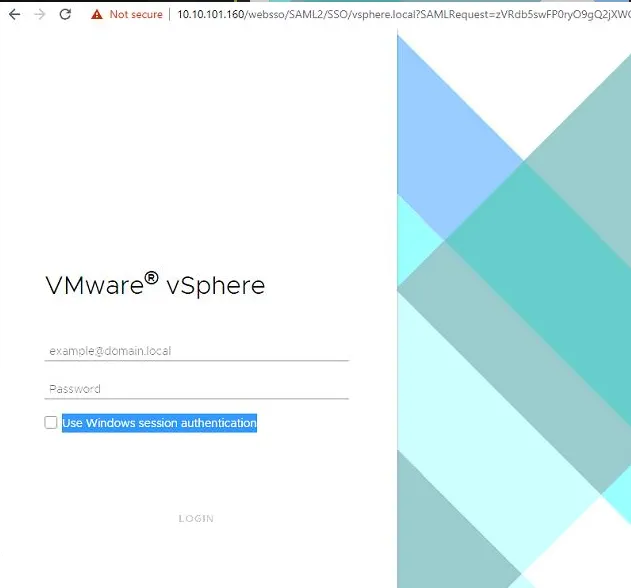
- After you check the box, and login, you are prompted with a pop up, press “allow”.
-
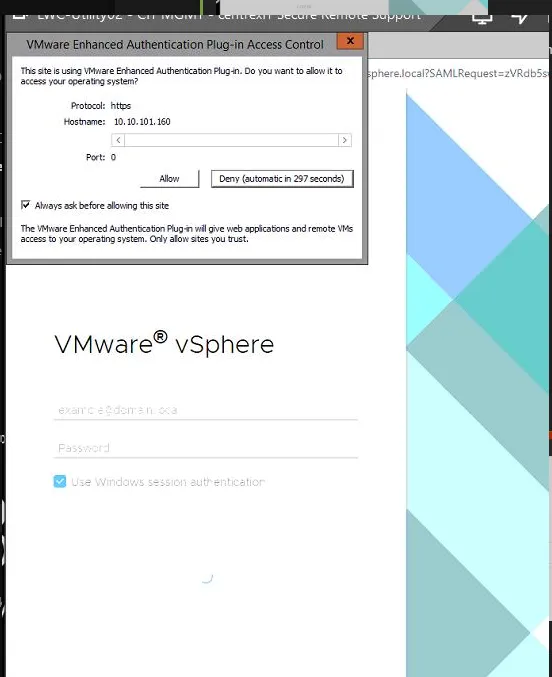
- Then you will be in.