Purpose
- Log into N-central
- Navigate to customer
- Select devices that you would like to uninstall
- Select edit in the menu bar
- Go to Monitoring Options
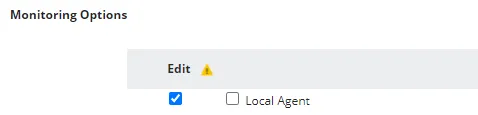
- Select the edit check box for local agent and the check box for agent
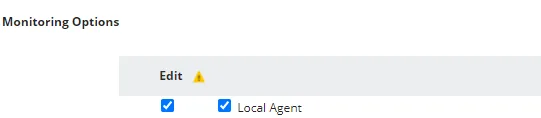
- Deselect the check box for Local agent, leaving the edit check box checked