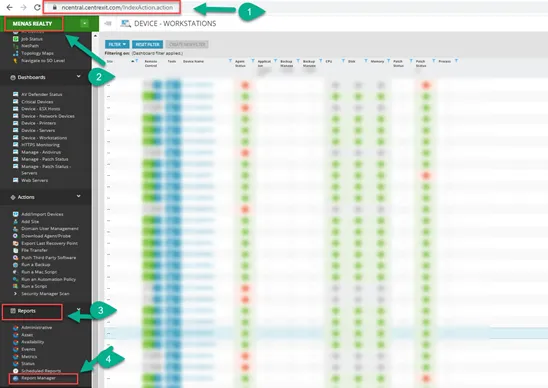
1.Log into nCentral.
2. On the top left, select the client from the drop-down menu.
3. Select Reports on the bottom left.
4. Select Report Manager.
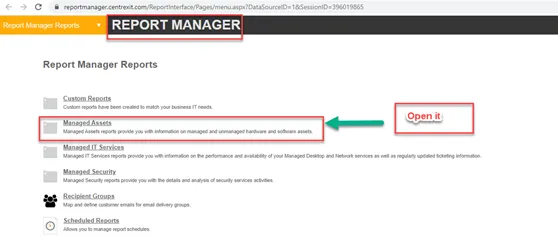
5. On the page that opens, click on Managed Assets.
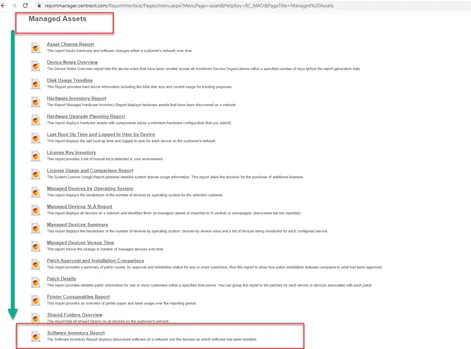
6. Select Software Inventory Report.
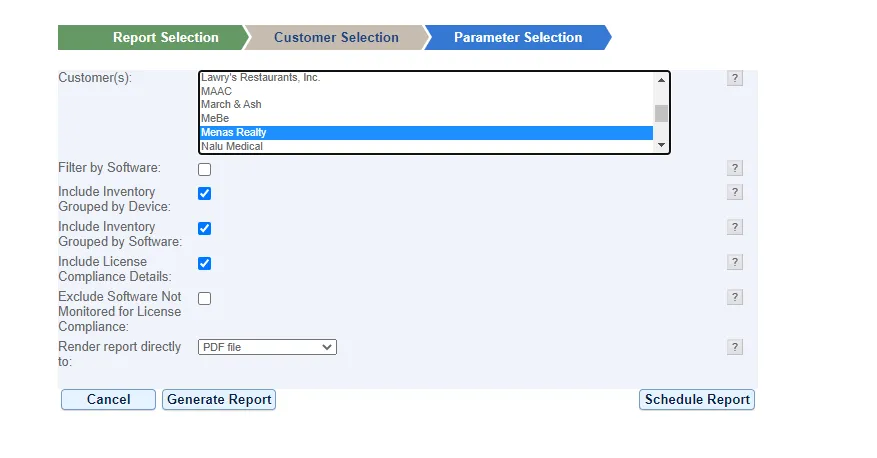
7. On the page that opens, select the client and click Generate Report.
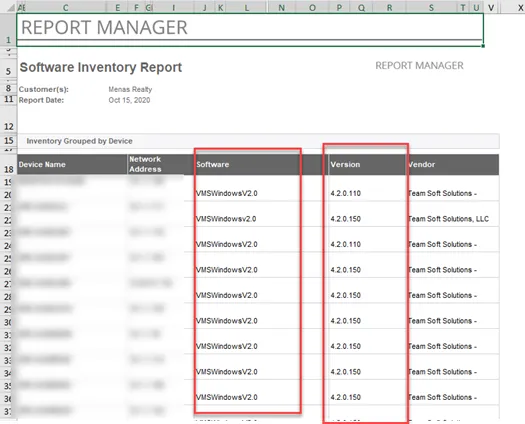
Sample reports can find below