Access emergency mailbox from ProofPoint for email continuity:
Section titled “Access emergency mailbox from ProofPoint for email continuity:”The object of this KB / WI is to show you how to access your emails if there’s an email outage from Office 365 and if your organization had subscribed with ProofPoint Essentials service.
Section titled “The object of this KB / WI is to show you how to access your emails if there’s an email outage from Office 365 and if your organization had subscribed with ProofPoint Essentials service.”- Navigate into https://us2.proofpointessentials.com
- Log in with your ProofPoint username (which is your email address) and password
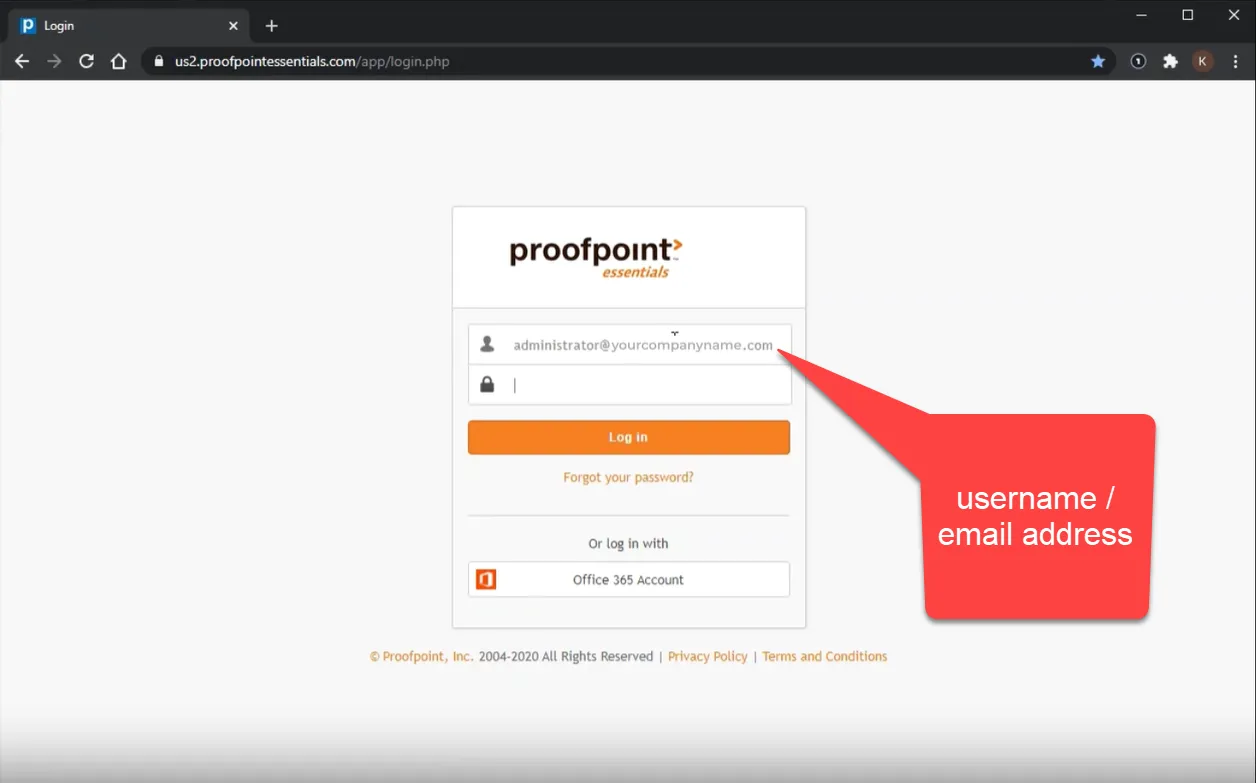
- ** Please note that the password is NOT your network password nor your M365 password. This is separate. If you need to, please feel free to click on it to reset. But in this scenario, since you are not able to access your email, you should contact us at the Service Desk at 619-651-8787 and we shall gladly reset that for you
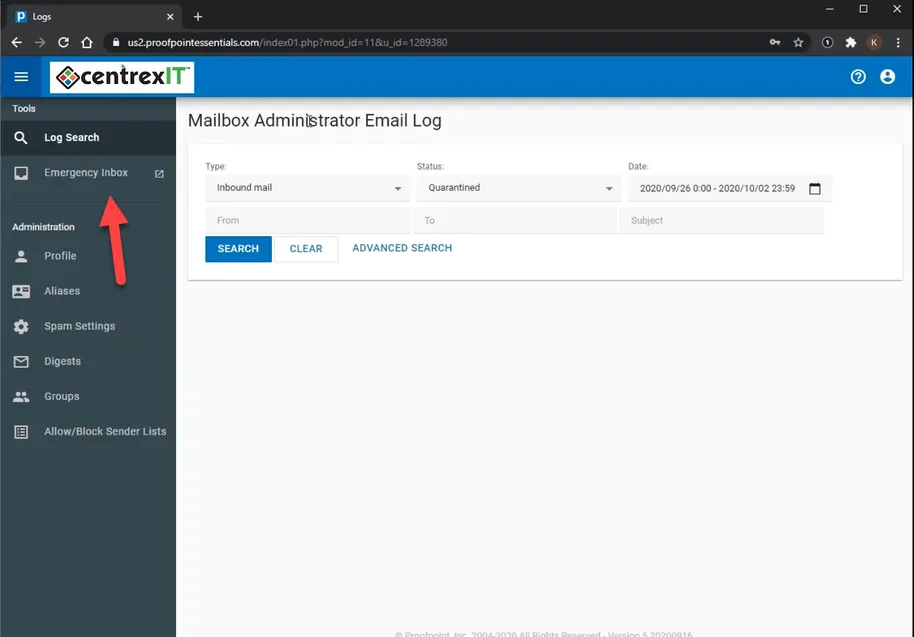
- Once you have log on, it’ll take you into the email portal
- Click on “Emergency Inbox”
- You will get a pop up like this
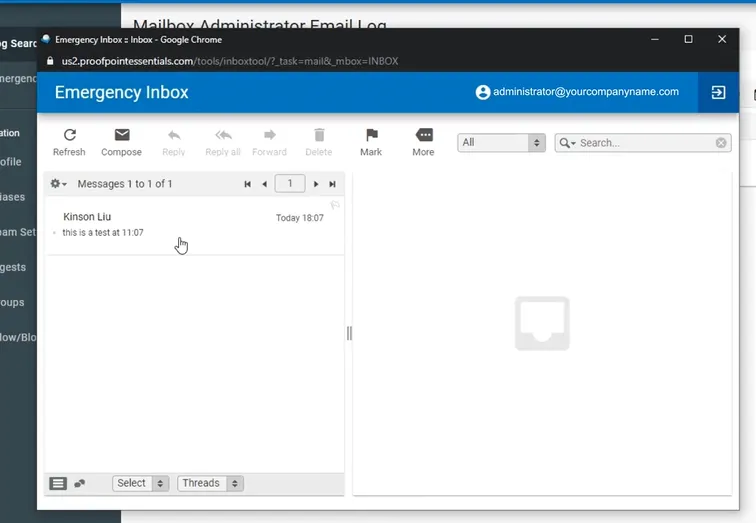
- This will show you what has been stored for you.
- You can click on the email to read it as well as reply to it and/or compose a new email.
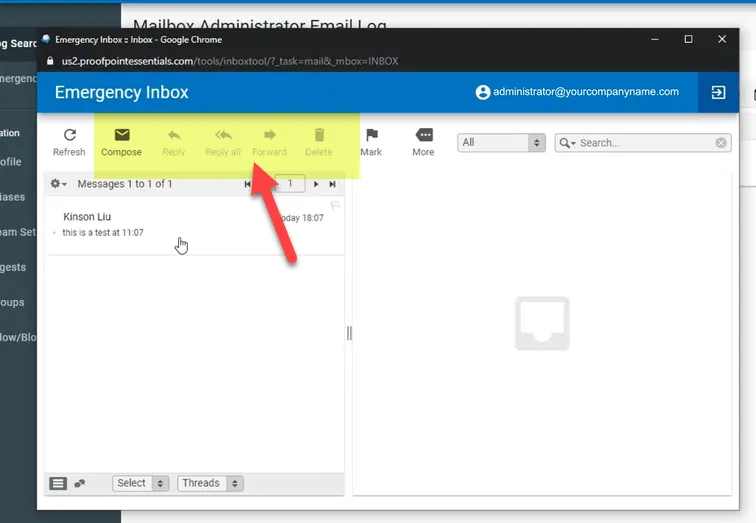
Please see the attachment for a video instruction on how to access it.
**Please scroll on the right side where the attachments are to the bottom and click on the file “How to access Emergency Mailbox for email continuity.mp4”