Dark Web is a reporting tool used to scan client domains. These scans are done to see if any user accounts or emails have been compromised and appear on the dark web. The tool can be found by going to securedarkwebid.com.
The technician will receive an email from Dark Web saying that a record was found. This can be looked up by clicking the link in the email and selecting the client from the list.
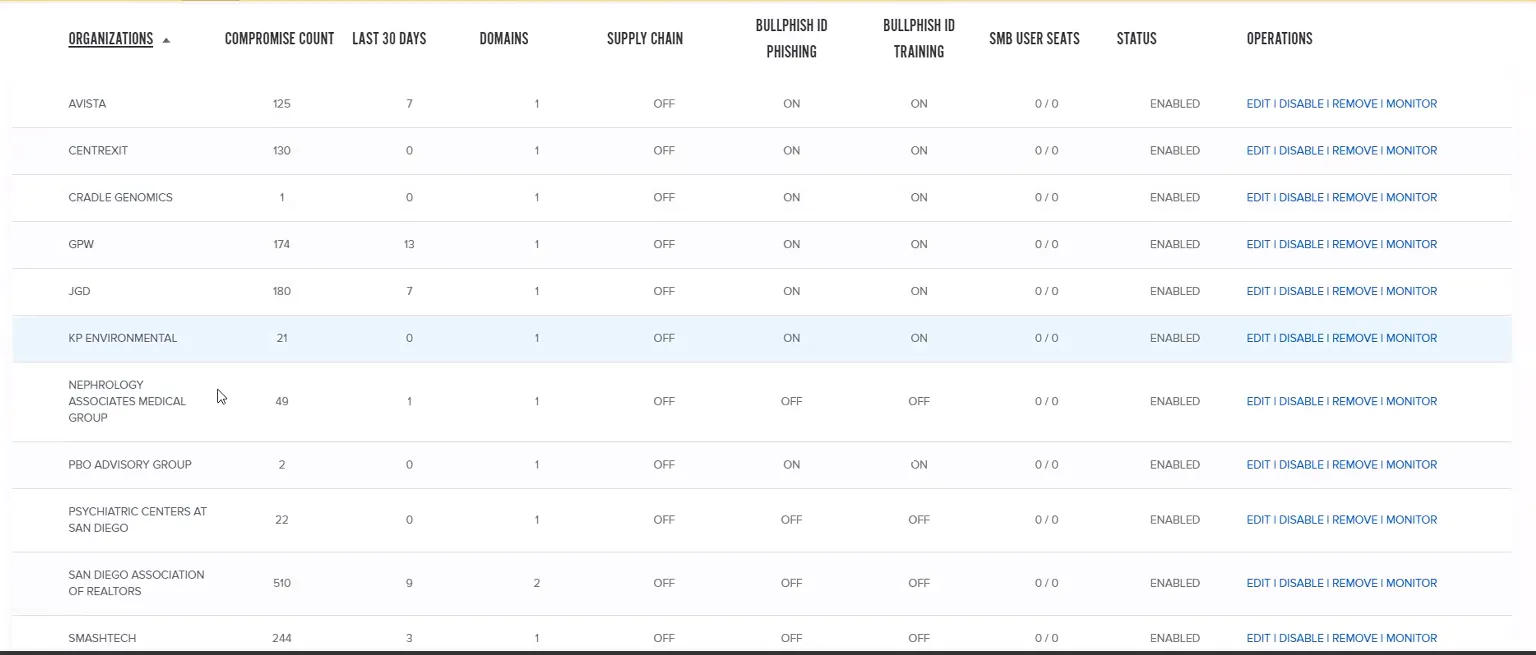
Once the client is selected, any compromised accounts can be searched for in Live Data Search by email address or domain.
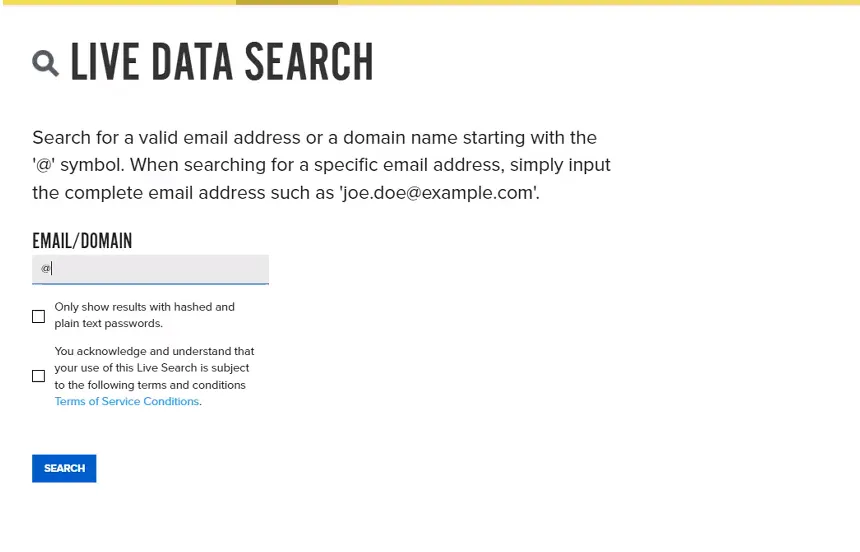
This will bring up a page that lists all compromised accounts and includes any information disclosed and the compromise type. A few of the compromise types are listed below:
- Combolist - Account or email information was sold and was found in a database.
- Not disclosed - Information was found, but Dark Web was unable to determine how the compromise happened.
- Data breach - The user’s password was compromised.
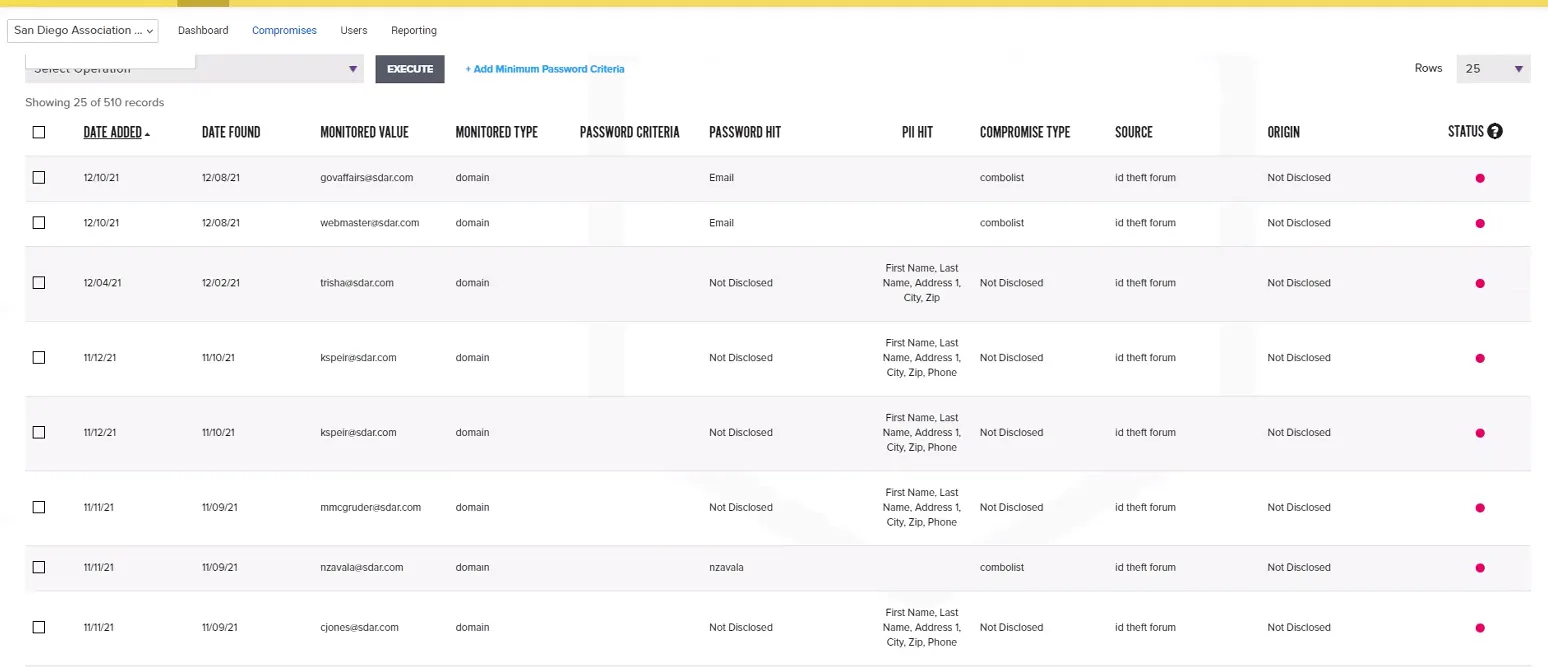
After going through the list, the technician will then generate a report by going to the Reporting option at the top of the page. This page will list the record for the compromised accounts for the client, including the date the compromise was found. Select the option for “Export to PDF” to generate the report.
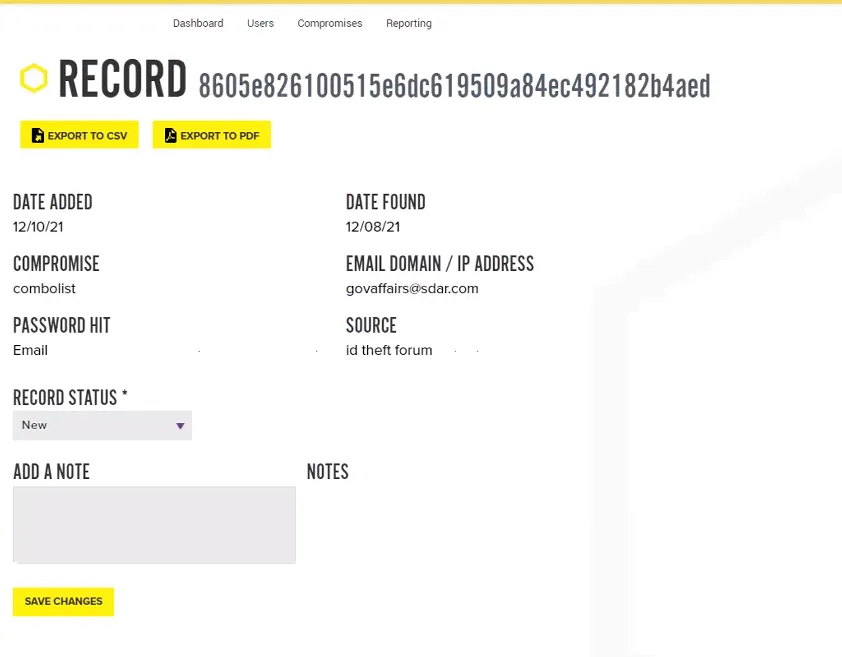
The PDF report should then be emailed to the client’s vITM using the naming format
In addition to any account compromise reports, the technician will also generate a monthly report (using naming format